Tools for the project
See the material in your space, pair it, choose it. Three tools for designers and inhabitants.
Upload a photo of your space. The tool recognises surfaces, distinguishes interior from exterior, and replaces them with the right Noema products.
After each completed use, Noema receives an internal report of choices and results, without photographs, free text or visitor identifiers. Privacy notice
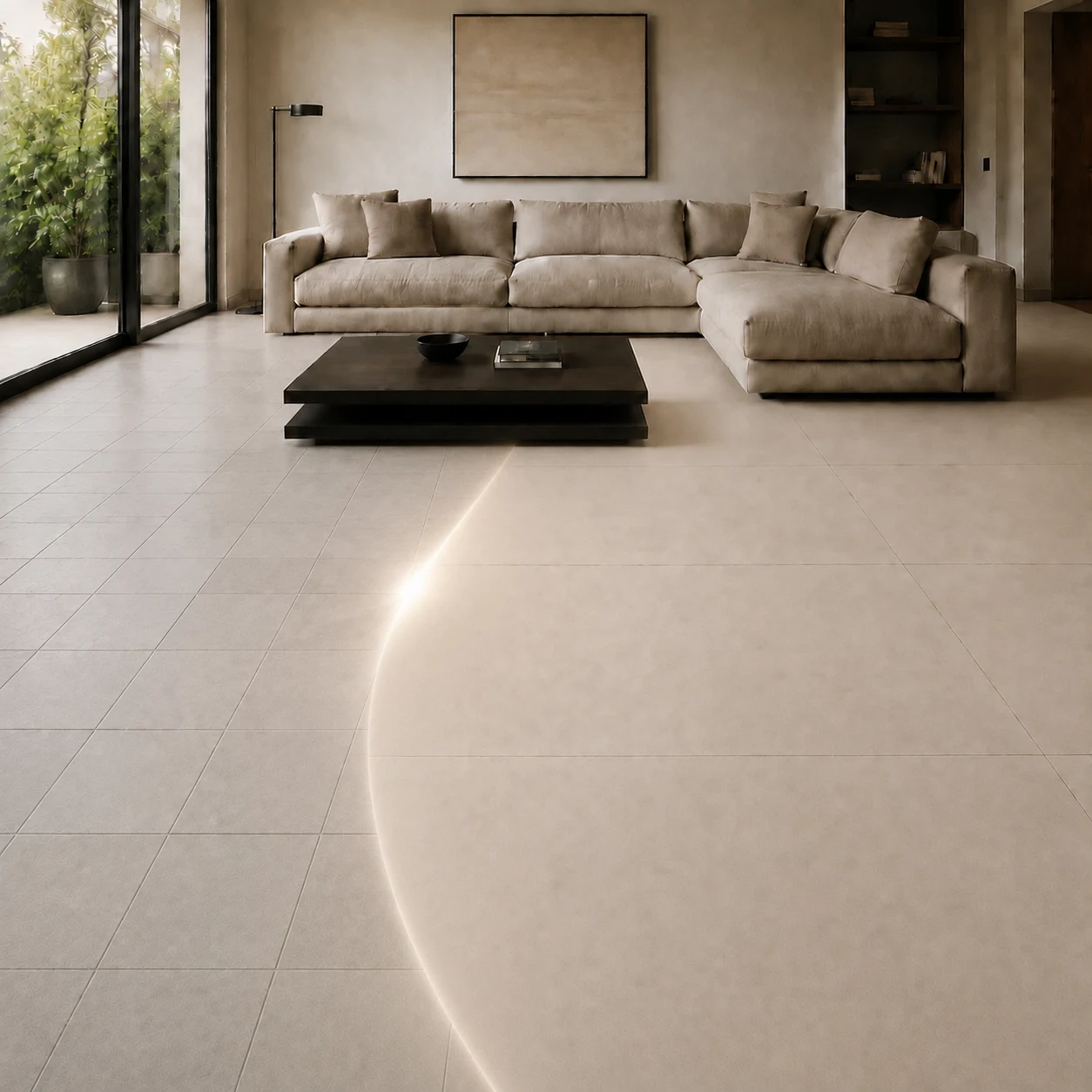
Start from a colour or a photo. It reads the dominant colours and suggests Noema surfaces that match.
After each completed use, Noema receives an internal report of choices and results, without photographs, free text or visitor identifiers. Privacy notice
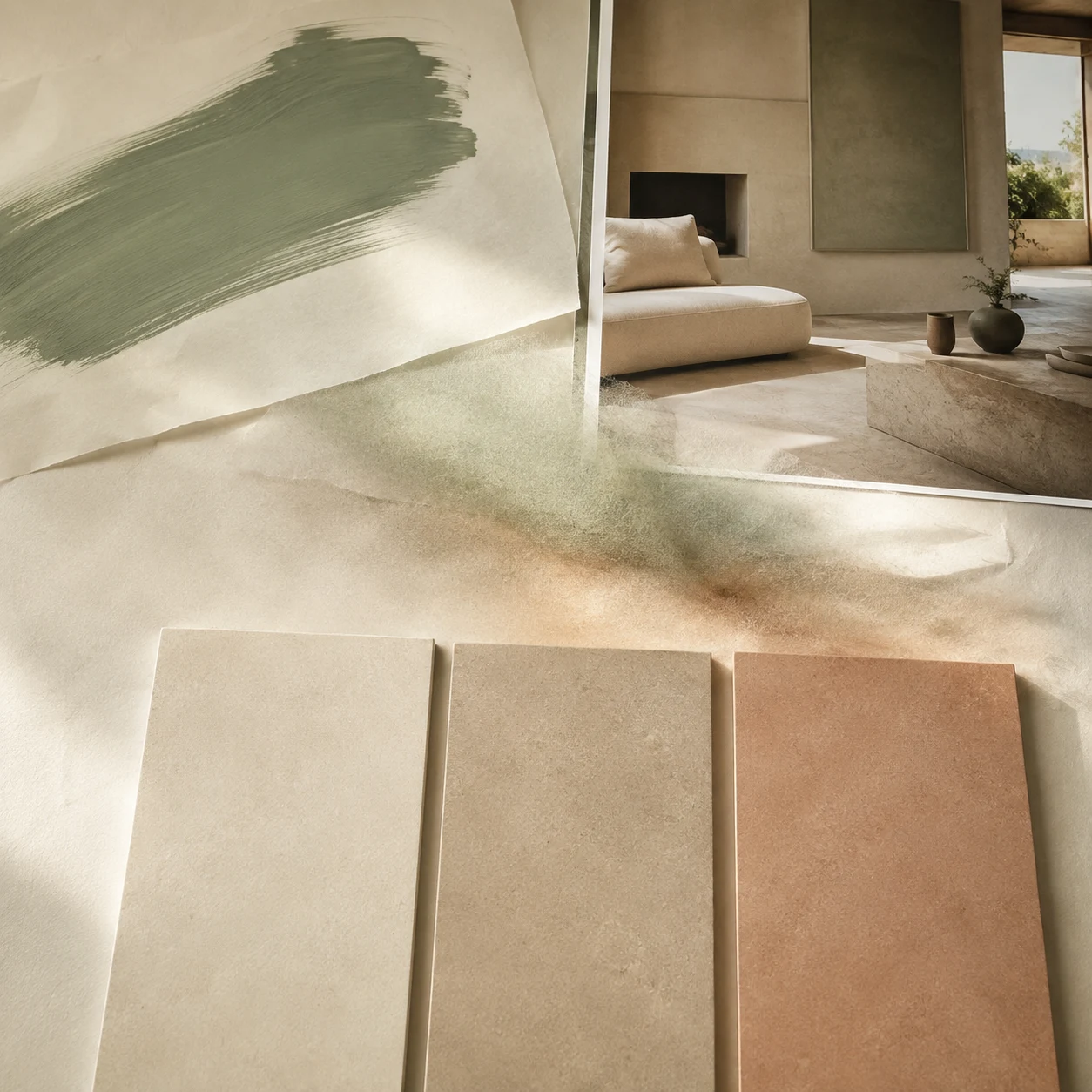
Choose a guide colour
Describe your project in words: we’ll tell you which series fit and why.
After each completed use, Noema receives an internal report of choices and results, without photographs, free text or visitor identifiers. Privacy notice